AI Image Detector: Spot the Fake Instantly.
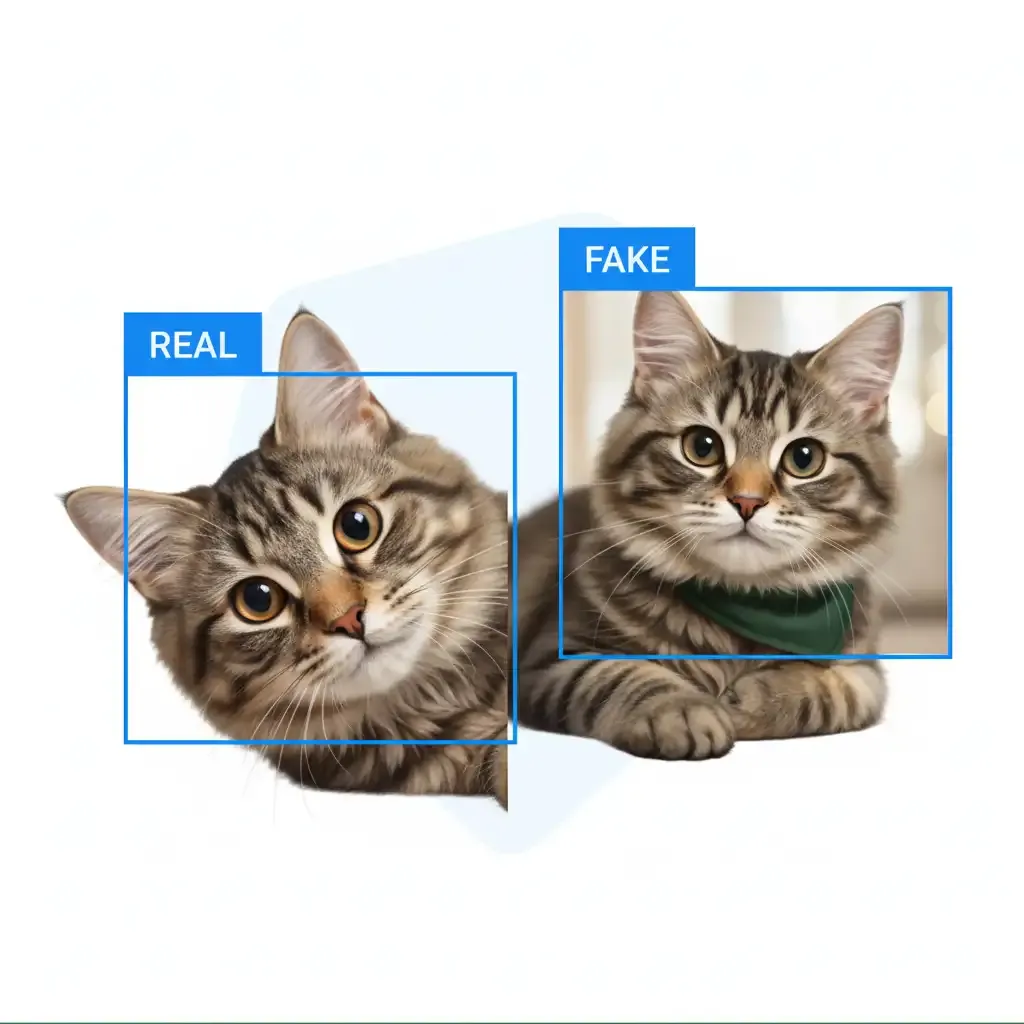
Select a photo or paste an image URL to check if it was created or altered by AI. Detect signs of Midjourney, DALL-E, Nano Banana, and digital photo edits in seconds, with zero file storage.
Drop Your Media Here
Paste an image URL or choose a file. Fast, ephemeral analysis with zero media storage.
Ephemeral in-memory processing. We do not store your files on disk, save them in databases, or use them to train AI models. Raw video files stay in your browser.
How it works
A simple four-step check to give you peace of mind.
Select, Drop, or Paste URL
Drag and drop a photo, pick a file (JPG, PNG, WEBP), or paste an image link. Large images resize locally in your browser while EXIF and C2PA metadata markers are scanned on-device.
Ephemeral AI & Metadata Check
Our stateless pipeline combines your local metadata summary with multimodal Gemini vision checks across anatomy, lighting, reflections, and background textures, never storing files.
Confidence & Verdict
Receive a color-coded verdict, Real, Fake, Altered, or Uncertain with a 0–100% confidence gauge and plain-English takeaway in seconds.
Clue Cards & Provenance
Inspect categorized clue cards (Objects, Texture, Lighting, Metadata), check camera/software provenance, and copy a shareable report summary.
What Our Image Checker Inspects
Visual clues, local metadata checks, and realistic limitations
Anatomy & Structural Clues
Inspects hands, fingers, teeth, eyes, ears, and accessories where image generators frequently warp shapes or symmetry.
Lighting, Shadows & Reflections
Checks whether cast shadows, highlights, and reflections in mirrors, glasses, or water match a consistent light source.
Text & Micro-Textures
Looks for garbled signs/labels, unnaturally smooth skin, painterly background blur, and repeating patterns in hair, foliage, or tiles.
Local EXIF & C2PA Metadata
Reads camera make/model, editing software tags, and C2PA provenance markers directly in your browser, and notes when platforms strip them.
Zero-Storage Privacy
3 free guest scans per day with no sign-in required. Images are processed ephemerally in memory and never saved or used to train AI.
Realistic Limitations
Social media compression, WebP re-encoding, beauty filters, and screenshots can mask details or cause false flags. Treat results as one clue, not final proof.
Image Verification FAQs
4 Quick Things to Check Manually
AI detectors provide probabilistic estimates. Combine automated scans with these quick visual sanity checks.
Zoom into Hands & Text
Examine fingers, fingernails, earlobes, and background signs. Image generators frequently produce blended digits or nonsensical letterforms.
Follow Shadow Directions
Trace the light source. AI models often generate conflicting highlights, mismatched reflections in glasses or mirrors, and missing contact shadows.
Run Reverse-Image Search
Check Google Lens or TinEye. Authentic photographs typically have an indexed trail across web sources, while synthetic photos appear nowhere else.
Verify Original Publisher
Inspect who posted the media and where. Corner logos and publisher watermarks are routinely added to AI images post-generation, so evaluate context.
Related Image Verification Guides
Practical investigations into dating scams, real estate edits, dental photos, and fake pet ads.
How to Spot a Fake Tinder Profile
Fake Tinder profiles are more sophisticated than ever, using AI-generated photos that fool even experienced users. Learn the 8 key warning signs and the tools you can use to verify any profile photo in seconds.
How to Spot Fake Real Estate Photos Before You Tour a Home
House hunting online? Learn how sellers use computer tools to erase water damage, warped floors, and cracks before you book an in-person tour.
Is That Online Pet Photo Real? How to Spot Fake AI Pets Before You Send Money
Learn how to spot AI-generated pet photos before losing money. Discover simple tricks to find fake puppy and kitten listings online and protect your wallet.
How to Spot Fake Before-and-After Photos From Your Dentist and Doctor
Learn how to spot fake medical and dental photos online. Protect your health and wallet from digital trickery.