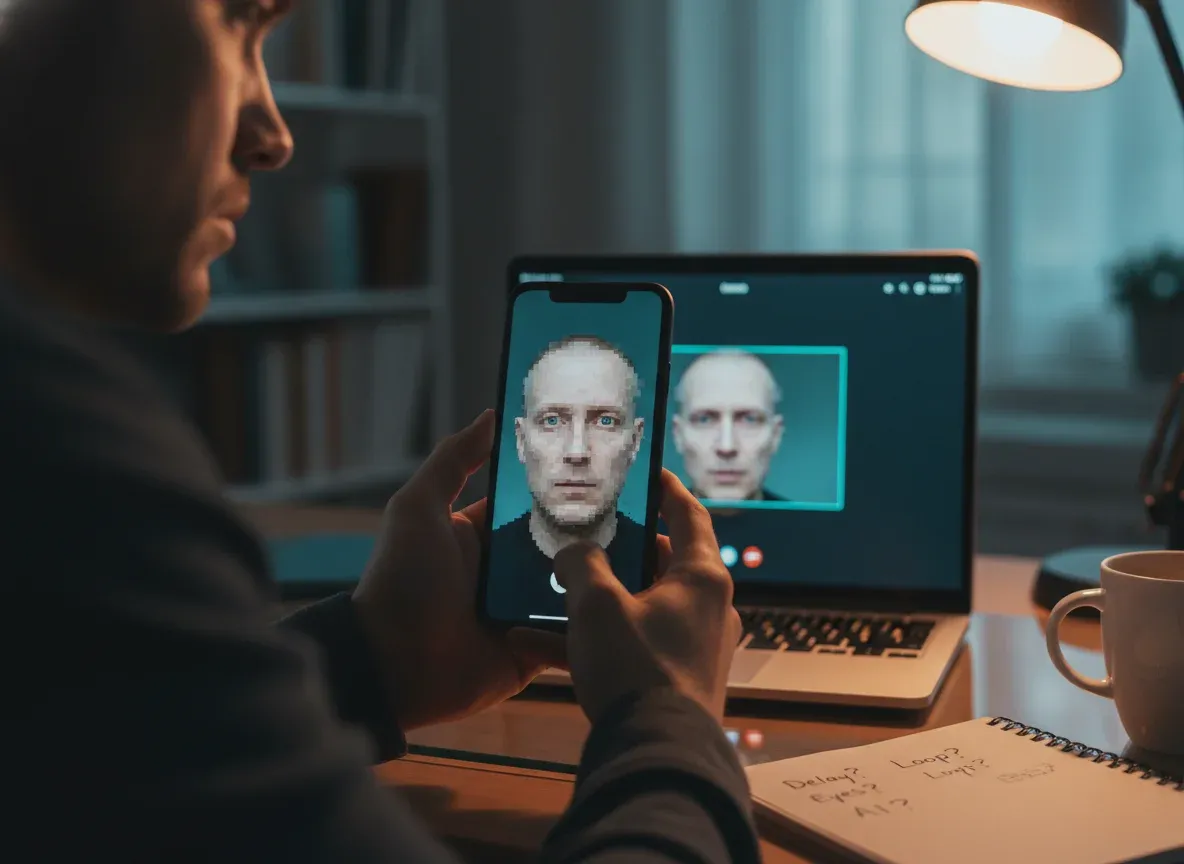
Imagine you get a video call. Perhaps it's from your boss asking for an urgent money transfer. Or maybe it's a family member with a strange request. Their face looks familiar, and their voice sounds right. However, a tiny part of your brain whispers, "Something's not quite right." In today's fast-paced world, that whisper could be warning you about a computer-made fake, also known as an AI-made fake.
What Are AI-Made Fakes in Video Calls?
An AI-made fake, often called a "deepfake," is a video where someone's face or voice has been changed using powerful special computer software. Think of it like a very advanced puppet show, but entirely digital. The smart computer program takes real video or audio of a person. Then, it creates new, fake video and audio that looks and sounds like that real person saying or doing something they never actually did. These computer-made fakes can be incredibly convincing. This makes it very hard to tell what's real and what's not, especially during a quick video chat.
Quick Tip: AI-made fakes aren't just for fun videos anymore. They are now used in serious scams, hoaxes, and even to spread false information. You need to be aware of them.
These clever computer tricks can fool you into believing something untrue. They can make it seem like your boss is on the line, when it's really someone trying to steal money from your company. Or they could make it look like a politician said something they never did, causing widespread confusion. Understanding how to spot these fakes is a key skill for everyone who uses the internet and communicates online today. It's about protecting yourself and your peace of mind.
Why Spotting AI-Made Fakes Matters to You
This isn't just about celebrities or big news stories. AI-made fakes can affect anyone, including you and your loved ones. Here's why you should care and why it's crucial to sharpen your detection skills:
- Money Scams: Imagine a fake video call from your bank, your boss, or a family member. It could trick you into sending money to a scammer. They might also try to get you to give up sensitive personal details, leading to financial loss.
- Identity Theft: If someone can perfectly copy your voice and face using smart computer programs, they might try to trick others into believing they are you. This could lead to them accessing your accounts or making purchases in your name.
- Damaged Reputation: Someone could create a fake video of you saying or doing something embarrassing or harmful. This could happen even if it never occurred in real life. Such fakes can severely damage your personal or professional reputation.
- Confusion and Mistrust: When you can't tell what's real and what's not online, it makes it harder to trust the information you see and hear. This can erode your confidence in digital communications and make you question legitimate sources.
- Emotional Distress: Discovering you've been tricked by an AI-made fake can be a very upsetting experience. It can lead to feelings of betrayal, anger, and anxiety about future online interactions.
AI-made fakes are becoming more common and increasingly difficult to detect with the naked eye. Knowing the telltale signs helps you protect your money, your identity, and your overall peace of mind. It empowers you to navigate the digital world more safely.
How AI-Made Fakes Work (The Simple Way)
Think of it like this: the smart computer program learns from a huge amount of real videos and audio of a specific person. It studies their unique facial expressions, how they talk, and the distinct qualities of their voice. It's like the computer brain is creating a very detailed profile of that person's appearance and sound.
Then, when you give the smart computer program a new script or audio, it tries to create a video of that person saying or doing those new things. It's almost like putting a computer-generated face and a computer voice changer onto another person's body or a digital puppet. The program attempts to mimic every nuance it learned, from subtle head tilts to specific vocal inflections. It aims to make the fake look and sound as authentic as possible.
It's not perfect, though. The smart computer program sometimes struggles with tiny details. These imperfections often appear around the edges of the face, in the eyes, and with natural body movements. These are precisely the areas where you can often spot the clues that reveal a fake.
Key Signs Your Video Call Might Be an AI-Made Fake
Here are the most important things to look for. Pay very close attention to these details during your next video chat. Your careful observation is your best defense.
Visual Clues: What to Look For on Their Face and Body
- Eyes That Don't Look Right: Real eyes move naturally, darting around and blinking at varied speeds. AI-made eyes often look too still, with a blank stare. They might blink at odd, regular intervals, or even not blink at all for long periods. Sometimes, the eyes might not quite match the direction the person is supposedly looking, giving a disengaged feeling.
- Unnatural Skin: The skin on an AI-made fake might look too smooth, almost like plastic or a doll's skin. Conversely, it might appear too textured in strange ways, with patchy areas. You might notice an unnatural waxy sheen, or unusual shadows and reflections that don't make sense with the lighting in the room. The skin tone might also seem inconsistent across the face.
- Odd Mouth Movements: The lips might not quite sync perfectly with the words being spoken. The mouth shape might look stiff, unnatural, or even rubbery. Sometimes, you'll see strange blurring or distortion around the mouth as it moves. The teeth might appear too uniform or unnaturally bright, and sometimes the gums might show in an odd way.
- Stiff or Jerky Head Movements: People naturally fidget, shift their weight, and move their heads slightly and smoothly. AI-made fakes often have very stiff head movements, or they might move in strange, jerky ways that aren't smooth or natural. They might also lack small, unconscious gestures like nodding or tilting their head slightly when listening.
- Lack of Emotion or Expressiveness: Real people show a wide range of emotions through their faces, from subtle smiles to worried frowns. AI-made fakes might have a limited range of expressions. Their expressions might not quite match what they are saying, leading to a disconnect between their words and their apparent feelings. They might maintain a neutral or slightly unsettling expression.
- Strange Lighting or Shadows: The lighting on the person's face might not match the lighting in the background. You might see odd shadows that appear and disappear without a clear source. Parts of the face might be unnaturally bright or dark, creating an inconsistent look. This often happens because the fake face is simply pasted onto a different video.
- Inconsistent Background: The background might look too perfect, too blurry in weird places, or even show repeating patterns. If the person moves their head, the background right behind them might distort slightly or look like it's pasted on rather than being a natural part of the scene. Look for strange pixelation or shimmering effects in the background.
Audio Clues: What to Listen For in Their Voice
- Robotic or Flat Voice: The voice might sound too monotone, lacking the natural ups and downs of a real conversation. It could also have a slightly metallic or robotic quality, or sound overly synthesized. Listen for a lack of natural human warmth or emotion in their tone.
- Mismatch with Lip Movements: This is a big one and often a clear giveaway. If the words you hear don't quite line up with the person's lip movements, that's a major red flag. There might be a slight delay between the sound and the mouth moving, or the mouth shape simply doesn't fit the sound being produced.
- Odd Pauses or Speech Patterns: Smart computer voices sometimes have unnatural pauses in sentences, or a strange, inconsistent rhythm to their speech. They might speak too fast or too slow in parts, or emphasize the wrong words. The flow of conversation might feel choppy or unnatural.
- Missing or Inconsistent Background Noise: If the person is supposedly in a busy office, a noisy restaurant, or outside, but their voice is perfectly clean with no background sound, that could be suspicious. Conversely, there might be background noise that doesn't fit the scene, like a dog barking when they are supposedly in a quiet office.
Behavioral Clues: Trust Your Gut
Sometimes, it's not just about what you see or hear. It's about what feels off about the whole situation. Your brain is incredibly good at picking up tiny inconsistencies and red flags that you might not consciously notice.
- Unusual Requests: Are they asking for money, passwords, or personal information they wouldn't normally ask for? Is there a sense of extreme urgency, pressuring you to act immediately without thinking? Scammers often create a crisis to bypass your critical thinking.
- Reluctance to Engage: If you ask them to do something spontaneous, like turn their camera around, wave, or hold up a specific number of fingers, and they refuse or make excuses, be suspicious. A real person would likely comply without hesitation.
- Calling at Odd Times: An unexpected call in the middle of the night, or during a time you know they're usually busy or unavailable, could be a tactic to catch you off guard. This makes you less likely to question the call's legitimacy.
- Avoiding Direct Questions: If you try to ask a personal question to verify their identity, like "What did we talk about last Tuesday?" or "What's the name of your dog?", and they dodge the question or give a vague, unconvincing answer, be very careful. A real person would easily answer.
Remember, a combination of these signs makes it much more likely you're dealing with an AI-made fake. Your vigilance is key.
Real vs. Fake: A Quick Comparison
This table summarizes some of the key differences to help you quickly spot a computer-made fake.
| Feature | Real Person (Typical) | AI-Made Fake (Possible Signs) |
|---|---|---|
| Eyes | Natural movement, varied blinking, direct gaze | Too still, blank stare, odd blinking, looking off |
| Face | Natural skin texture, varied expressions | Too smooth/rough, odd shadows, limited emotion |
| Movement | Smooth, natural head turns, small fidgets | Stiff, jerky, unnatural, lacks small movements |
| Voice Sync | Perfect match between lips and sound | Lips and sound don't quite match, slight delay |
| Voice Tone | Natural rhythm, varied pitch, emotion in speech | Robotic, flat, monotone, strange pauses |
| Background | Natural distortions, consistent lighting | Too perfect, blurry in odd spots, inconsistent lighting |
| Behavior | Typical requests, willing to confirm identity | Urgent/unusual requests, avoids direct questions |
A Real-World Warning Story
Sarah, a small business owner, received a video call one afternoon. The call appeared to be from her main supplier, a person she had worked with for years. The supplier's face was on screen, looking unusually serious. The voice, which sounded exactly like him, explained there was an urgent payment issue. He said they needed a large sum of money transferred immediately to a new bank account. This was necessary, he claimed, to avoid a major delay in her next shipment, which was critical for her business.
Sarah felt a knot in her stomach. Her supplier rarely called on video, and the extreme urgency felt very out of character. As she listened, she noticed his eyes seemed a little too fixed, almost unblinking. His mouth movements were also slightly off from his words, not quite syncing up. Trusting her gut feeling, she told the person on the call that she would call him right back on his usual, known number. When she did, the real supplier answered, sounding confused. He hadn't called her, and there was absolutely no payment issue. Sarah had narrowly avoided losing thousands of dollars to a clever AI-made fake. This story clearly shows why paying attention to the small details and trusting your instincts are so incredibly important in today's digital world.
What You Can Do Right Now
Don't let these computer-made fakes scare you. You have powerful ways to protect yourself and your information. Here are simple, actionable steps you can take today to stay safe:
- Verify, Verify, Verify: If you get an urgent or unusual request on a video call, always try to confirm it through a different communication channel. Call the person back on a known, trusted phone number. You could also send a text or an email to their official address. Never rely only on the video call itself, especially if it feels suspicious. For more on protecting your identity, see our articles on digital security.
- Ask Personal Questions: Ask something only the real person would know, something a smart computer program couldn't easily guess. For example, try, "What did we have for lunch last Tuesday?" or "What's the name of your dog?" A computer-made fake might struggle to answer correctly. It might also try to change the subject or give a vague response.
- Pay Attention to the Details: Actively look for the visual and audio clues we discussed. Notice if their eyes, mouth, or movements seem unnatural or 'off.' Listen carefully for strange voice patterns, robotic tones, or lip-sync issues. Your careful observation can be your strongest defense against these fakes.
- Use Secure Platforms: Stick to reputable video call services that have strong security measures built-in. These platforms often have better encryption and fraud detection. Be wary of calls from unknown numbers or unusual, less-known platforms that you don't typically use.
- Trust Your Gut Feeling: If something feels off, even if you can't pinpoint exactly what it is, it probably is. Don't let fear or urgency push you into making quick decisions. Take a moment to pause, breathe, and think critically before you act. Your intuition is a powerful tool.
By following these steps, you can greatly reduce your risk of falling for an AI-made fake. If you're concerned about a specific image or video, Truth Lenses offers tools to help you analyze them and verify their authenticity. Check out our website to learn more about how our tools can assist you.
Frequently Asked Questions
Can AI-made fakes get past a face scanner to unlock my phone?
It's getting harder for AI-made fakes to trick a face scanner on modern phones and devices. These advanced systems are designed to look for tiny details like depth, subtle movements, and even blood flow under the skin. However, simpler face scanners, or older technology, might still be fooled by a sophisticated fake. Always keep your device software updated to get the latest security features and protections.
What if my boss's voice sounds strange on a call?
If your boss's voice sounds off, even if their face looks right on the video, be very cautious. Smart computer programs can clone voices incredibly well, making them sound almost identical to the real person. Follow the verification steps: call them back on their known, trusted number or send a text message. Do not act on any urgent requests until you are 100% sure it's the real person on the other end. It's always better to be safe than sorry.
Are these AI-made fakes getting better and harder to spot?
Yes, smart computer technology is always improving at a rapid pace. This means that computer-made fakes are becoming more realistic and harder to spot with each passing month. This ongoing advancement means we all need to be more aware, more vigilant, and use the tools and tricks available to identify them. That's why staying informed with resources like Truth Lenses is so important for your digital safety. We also have articles on spotting computer-made image and video fakes.
Staying safe online means staying smart and informed. Truth Lenses is here to help you understand and identify online deception, giving you the power to protect yourself and your loved ones from these evolving threats. Visit Truth Lenses to explore our tools and guides today, and empower yourself with knowledge.