Imagine you get an urgent email about a problem with your online banking. You might feel a little panic. You quickly click the link provided in the email. The website that opens looks exactly like your bank's login page. It has all the right colors, logos, and even the same layout you're used to seeing. You type in your username and password, then hit enter, expecting to fix the problem. But nothing happens. Or perhaps you get a strange error message that doesn't make sense.
A few days later, you check your real bank account. You then realize that money is missing. You've been tricked. You fell victim to a fake website that was built in just minutes.
This isn't just a scary story. This is a common trick that scammers use every single day. They create incredibly convincing fake websites. These sites often look like places you trust, such as your bank, a popular online store, a government agency, or even a charity. Their goal is always simple: to steal your personal information, your hard-earned money, or both.
The Rise of Super-Fast Fake Websites
It sounds unbelievable, but scammers can set up a fake website in about five minutes. This speed is alarming. How do they do it so quickly? They use simple tools and clever tricks that make it incredibly easy for them.
- Website Copying Tools: There are special software programs available. These programs can copy the look and feel of almost any website you can imagine. They grab the logos, the color schemes, the pictures, and even all the text. It's like taking a digital photocopy of a real website. These tools can quickly build a new site that looks nearly identical to the original. This process is often called 'HTML scraping' by tech experts, but for you, it simply means they're stealing the website's appearance.
- Ready-Made Templates: Scammers don't start from scratch. They often use pre-built website templates that already look professional and polished. Think of these as fill-in-the-blank forms for websites. They just plug in stolen logos and content. This makes their fake site seem real and official with very little effort. These templates are designed to be easily customized, allowing scammers to quickly change details to match different brands or organizations they want to impersonate.
- Cheap Web Addresses: Buying a web address, also known as a domain name, is surprisingly cheap and easy. Scammers pick addresses that look very similar to real ones. They hope you won't notice a tiny difference. For example, they might use 'amaz0n.com' instead of 'amazon.com' (notice the zero instead of an 'o'). Or they might add an extra word, like 'paypal-security.com' instead of just 'paypal.com'. This trick is called 'typosquatting'. It relies on you making a quick glance or a small typing mistake. It's a very effective way to fool people who aren't paying close attention.
- Stolen Information: Scammers might already have some of your basic information. This could include your email address or even your name. They often get this from other information leaks, also known as data breaches. When companies you've used before have their customer data stolen, your information can end up in the hands of these criminals. This helps scammers make their fake emails and websites seem more personal and believable to you. If an email addresses you by name and mentions a service you use, you might be more likely to trust it.
Because it's so quick and cheap to set up these fake sites, scammers can launch hundreds of them at once. They play a numbers game. If even a small number of people fall for the trick, it's a big payday for the scammer. This makes it a very attractive crime for them.
Why Scammers Use Fake Websites to Trick You
Scammers aren't just doing this for fun. They have clear, harmful goals in mind when they create these deceptive sites. They want to exploit your trust and take advantage of you.
- Steal Your Personal Information: This is often their main goal. They want your usernames, passwords, credit card numbers, social security number, date of birth, and any other private details. They can use this information in many ways. They might empty your bank account, make unauthorized purchases, or open new credit cards in your name. In the worst cases, they can even steal your entire identity. This can take years to fix and cause you a lot of stress and financial hardship.
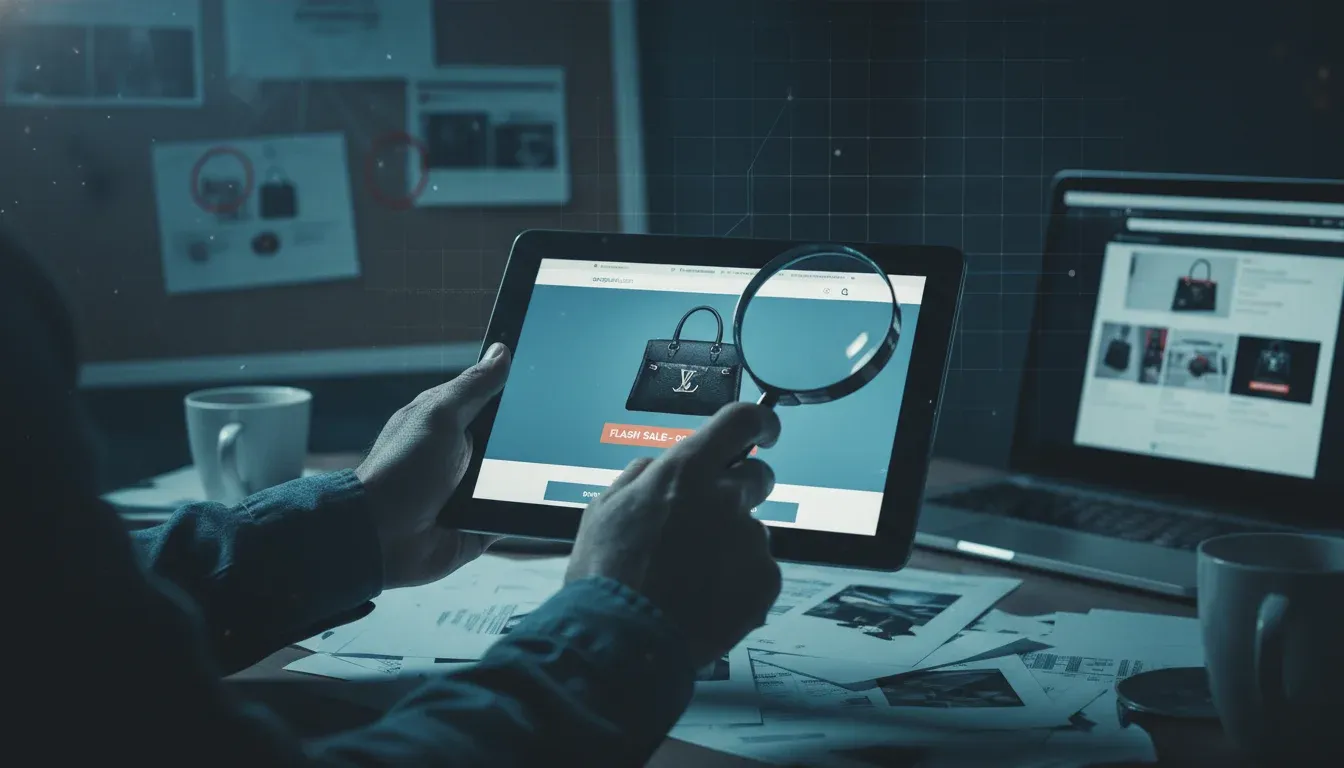
- Take Your Money Directly: Some fake websites are set up as fake online stores. These stores often offer deals that seem too good to be true. You might see a brand new iPhone for half price or designer clothes at a fraction of their usual cost. You 'buy' the item, enter your payment details, and your money is gone. But the product never arrives. This is a 'non-delivery of goods' scam. Other sites might ask for donations to a fake charity, especially after a major disaster. Your generous donation goes straight into the scammer's pocket instead of helping those in need.
- Install Harmful Software: Sometimes, clicking a link to a fake website can automatically download malicious software onto your computer or phone. This software, often called malware, can spy on your activities, steal your files, or even lock your device until you pay a ransom. This is a serious threat to your digital privacy and security.
- Collect Login Credentials (Credential Stuffing): If you use the same username and password for multiple online accounts, scammers love it. Once they get your login details from one fake site, they will try to 'stuff' those credentials into many other popular websites, like social media, email, and other shopping sites. If you've reused your password, they can gain access to all those accounts. This is why using unique passwords for every site is so important.
The Tell-Tale Signs: How to Become a Digital Detective
It can feel overwhelming to navigate the internet safely, but you can become a digital detective. You can learn to spot the clues that give away a fake website. Here are the sensory details and checks you should always make:
- Look Closely at the Web Address (URL): This is your first and most important line of defense. Before you type any information, carefully examine the web address in your browser's address bar. Is it exactly what you expect? Look for subtle misspellings, extra words, or unusual characters. For example, 'bankofamerica.com' is real, but 'bankofamerica-security.com' or 'bankofamerlca.com' (with an 'l' instead of an 'i') are likely fake. Always type important web addresses directly into your browser or use a trusted bookmark. Never rely solely on links from emails or text messages, even if they look official.
- Check for the Padlock Icon and 'HTTPS': In your browser's address bar, you should see a small padlock icon. This indicates that the website uses 'HTTPS' (Hypertext Transfer Protocol Secure). HTTPS means your connection to the site is encrypted and more secure. While a padlock doesn't guarantee a site is legitimate, its absence, or seeing 'HTTP' instead of 'HTTPS', is a major red flag. It means your information could be easily intercepted. Be cautious if the padlock is missing or looks broken.
- Examine the Website's Design and Quality: Scammers are often in a hurry. They might overlook small details. Look for poor grammar, spelling mistakes, or awkward phrasing in the text. Are the logos blurry or slightly off-color? Do images look low-resolution or stretched? Are there broken links or pages that don't load correctly? A real, professional company invests in a high-quality website. A sloppy site is a strong indicator of a scam. Also, note if the website loads unusually slowly or if parts of it seem incomplete.
- Be Wary of Too-Good-To-Be-True Offers: If a deal seems unbelievable, it probably is a scam. Deep discounts on new electronics, luxury goods at rock-bottom prices, or urgent demands for personal information to claim a prize are classic scam tactics. Scammers use these high-pressure tactics to get you to act quickly without thinking. They don't want you to have time to scrutinize their fake site.
- Look for Missing or Generic Contact Information: A real business will have clear ways for you to contact them. They will provide a physical address, a customer service phone number, and a professional email address (e.g., support@company.com). If a website only offers a generic contact form, a P.O. box, or an email address like 'companyname@gmail.com', be very suspicious. A lack of transparent contact details is a huge warning sign.
- Read Customer Reviews (Carefully): For online stores, check for customer reviews. Be cautious if there are no reviews at all, or if all the reviews are overly positive and sound fake. Look for reviews on independent sites, not just on the scammer's own website. A legitimate business will have a mix of reviews, good and bad, and will often respond to customer feedback.
- Trust Your Gut Feeling: If something about a website just feels 'off', listen to that feeling. Your intuition can often pick up on subtle inconsistencies that your conscious mind might miss. If you feel pressured, confused, or uneasy, close the tab and investigate further. It's always better to be safe than sorry when your money and personal information are at stake.
What Happens If You Fall for a Fake Website?
Falling for a fake website can have immediate and long-lasting consequences for you. In the short term, your money might be stolen directly from your bank account or credit card. Your login details could be compromised, giving scammers access to your email, social media, or other sensitive online accounts. You might also find that your computer or phone has been infected with harmful software.
In the long term, your stolen personal information could be used for identity theft. This means scammers could open new credit cards in your name, take out loans, or even commit crimes while pretending to be you. Recovering from identity theft can be a long, difficult, and emotionally draining process. It can severely impact your credit score and financial well-being for years. That's why prevention is so crucial.
What You Can Do Right Now
Protecting yourself from fake websites is easier than you think. By following a few simple steps, you can significantly reduce your risk of becoming a victim. Make these habits a part of your daily online routine.
- Always Double-Check the Web Address: Before you click any link or enter any information, take an extra second to look at the web address. Make sure it's the official one you expect. Type it directly into your browser if you're unsure.
- Never Click Suspicious Links: Be extremely careful with links in emails, text messages, or social media posts. Even if they look like they come from a known company or friend, it's best to go directly to the website by typing the address yourself.
- Use Strong, Unique Passwords and Two-Factor Authentication: Create different, complex passwords for each of your important online accounts. Enable two-factor authentication (where you need a code from your phone in addition to your password) whenever possible. This adds an extra layer of security.
- Report Fake Websites: If you encounter a fake website, report it to the Anti-Phishing Working Group (APWG) or your internet service provider. You can also report it to the company being impersonated. This helps protect others from falling victim.
- Keep Your Software Updated: Make sure your web browser, operating system, and antivirus software are always up-to-date. These updates often include important security fixes that protect you from new threats and vulnerabilities. This is a simple but powerful way to stay safe online.